BNI Call CXC Mobile Apps
The BNI Call CXC application offers customer service solutions for Bank Negara Indonesia (BNI) users, providing features like service requests, transaction assistance, and account management. This case study outlines a detailed Design Thinking process aimed at improving the app’s usability, efficiency, and user satisfaction.
1. Empathize (Empathy)
The first step focuses on understanding the needs, frustrations, and goals of the app's users.
User Research
Target Users:
Individual Customers: People using BNI's retail banking services who need support with transactions, account management, or queries.
Business Clients: SMEs or corporate clients requiring assistance with business banking services.
Prospective Customers: Non-BNI users exploring the app for product and service information.
Research Methods:
Surveys and Interviews: Conduct surveys to gather feedback on the app's usability and interviews to uncover pain points and unmet needs.
User Behavior Analysis: Use analytics to identify drop-off points, frequently accessed features, and underutilized sections.
Competitive Analysis: Study similar banking apps to understand industry standards and user expectations.
Key Findings:
Pain Points:
Complex Navigation: Users find it hard to locate essential features like service requests or transaction tracking.
Slow Response Time: Some users reported delays when accessing features or receiving assistance.
Lack of Personalization: The app lacks tailored recommendations or shortcuts for frequently used services.
Difficult Onboarding: First-time users struggle with registration and understanding the app's functionalities.
User Needs:
A simple, intuitive interface to navigate services quickly.
Faster responses to queries and service requests.
A personalized experience, highlighting frequently used features or services.
A seamless onboarding process with clear guidance.
2. Define (Problem Definition)
This phase clarifies the core issues users face and outlines a focused problem statement.
Problem Statement:
For: Individual and business users of the BNI Call CXC app.
Who: Struggle with complex navigation, slow response times, lack of personalization, and difficult onboarding.
The Problem: Users find it challenging to efficiently use the app to access banking services or resolve issues.
The Goal: To redesign the app with a user-friendly interface, faster response mechanisms, personalized features, and a streamlined onboarding process.
User Stories:
Individual Customer: "As a retail banking user, I want a straightforward way to access transaction history and raise service requests, so I can resolve issues quickly."
Business Client: "As a business banking user, I need a feature that prioritizes my requests and gives real-time updates, so I can manage my accounts efficiently."
Prospective Customer: "As a new user, I want an easy registration process and a tutorial, so I can understand and use the app effectively."
3. Ideate (Idea Generation)
Brainstorming Solutions:
Improved Navigation:
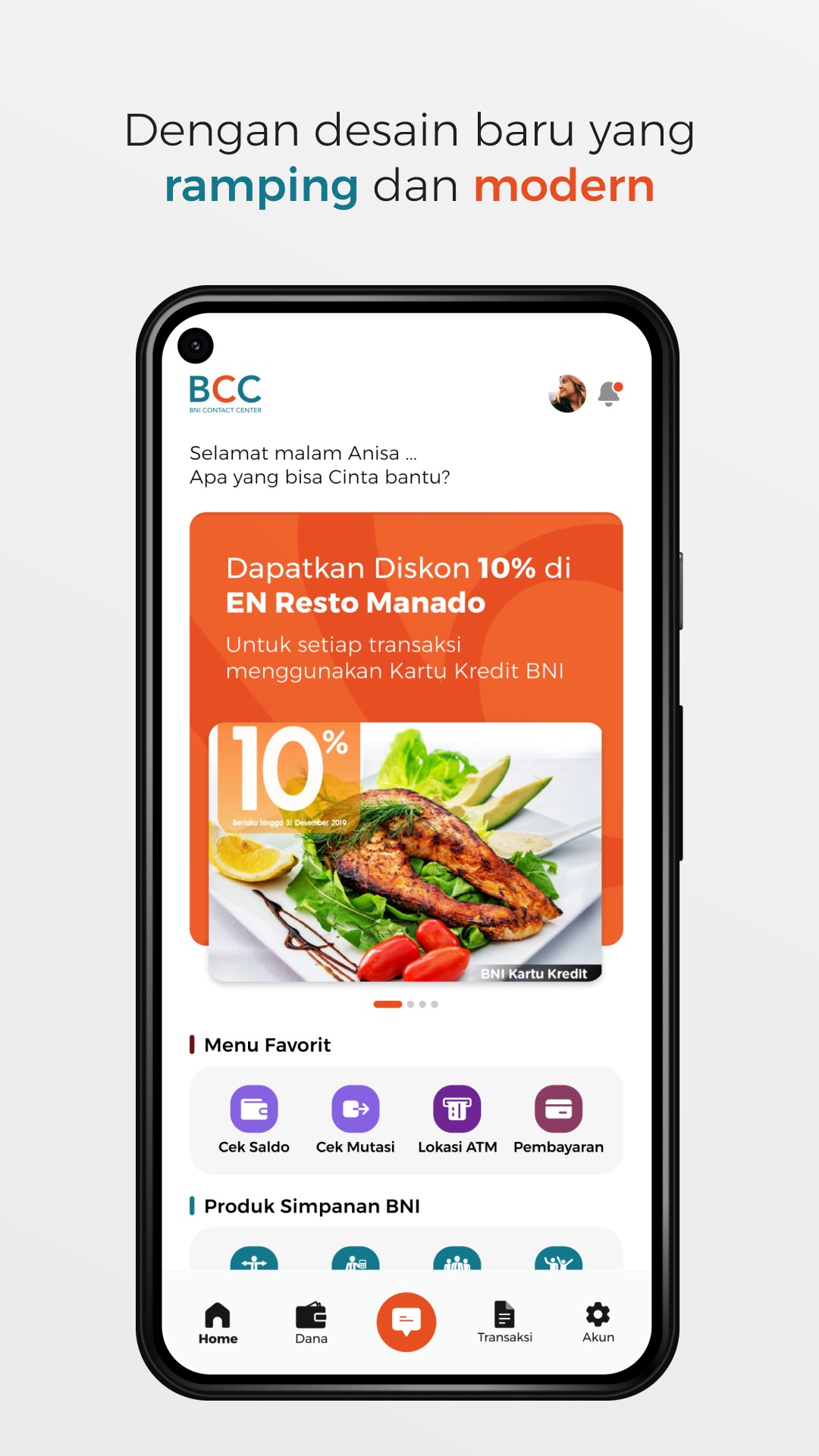
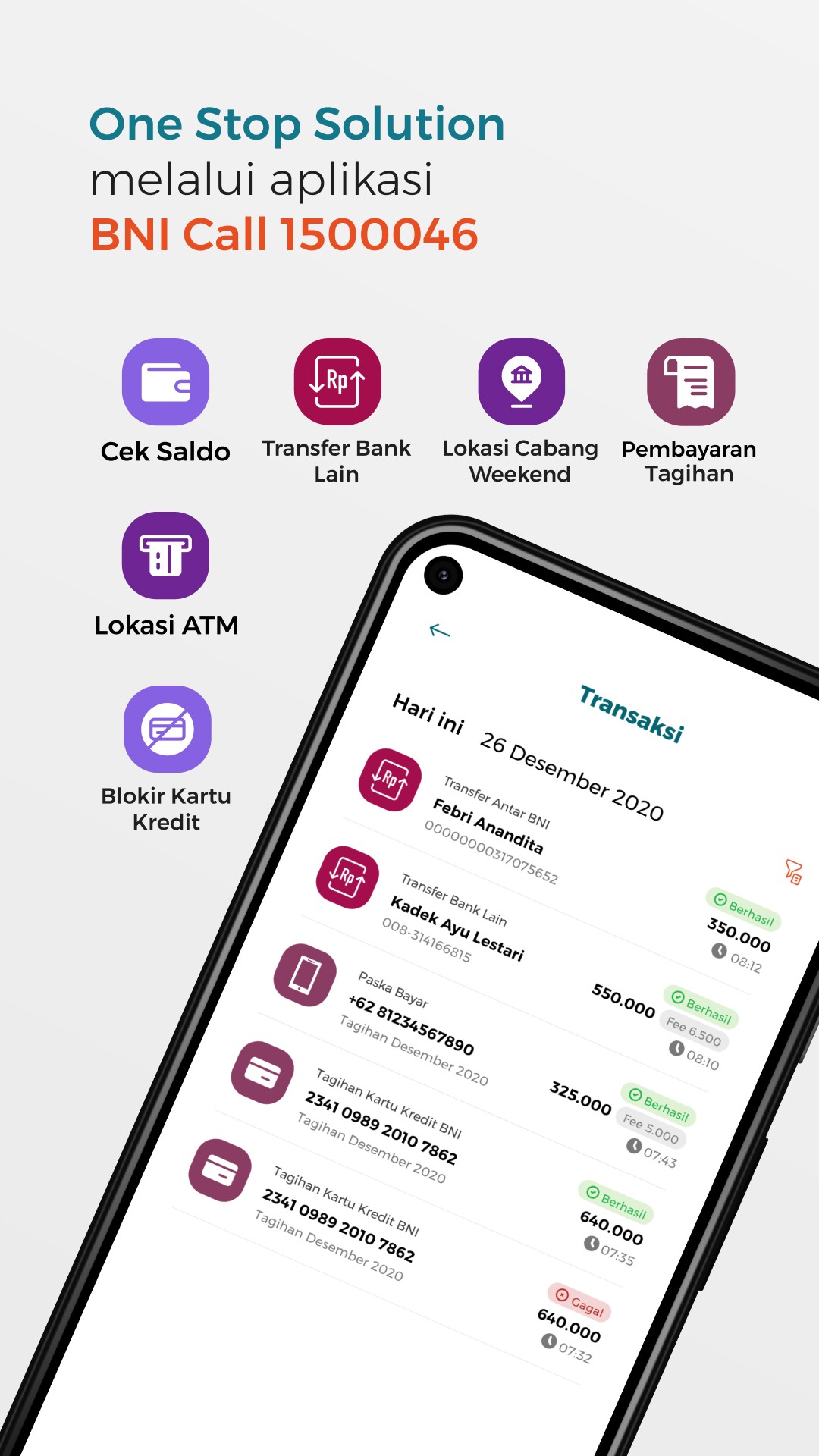
Implement a dashboard-style home screen with quick links to the most-used features like account balance, transaction history, and customer service.
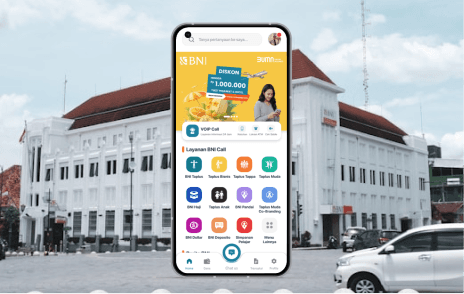
Add a universal search bar to quickly locate services or features.
Faster Assistance:
Integrate an AI-powered chatbot for immediate responses to common queries.
Introduce a real-time status tracker for service requests.
Personalized Features:
Use machine learning to recommend shortcuts based on user behavior (e.g., quick access to frequent transactions).
Offer a customizable dashboard where users can pin their favorite features.
Seamless Onboarding:
Simplify the registration process with step-by-step guidance and validation.
Add an interactive tutorial that highlights key features during the first login.
4. Prototype (Prototyping)
Wireframes:
Home Screen:
A clean dashboard layout with key features like "My Accounts," "Transactions," "Request Assistance," and "Explore Services."
Service Request Flow:
A simple, guided process for submitting and tracking service requests with clear visual indicators.
Onboarding Screens:
A sequence of steps for new user registration, including tutorial overlays for key features.
High-Fidelity Prototype:
Create interactive prototypes using tools like Figma or Adobe XD.
Simulate key interactions, such as navigating to the transaction history, using the chatbot, or customizing the dashboard.
5. Test (Testing)
Usability Testing:
Participants:
5 individual users
5 business clients
3 prospective customers
Test Scenarios:
Navigate to transaction history and submit a service request.
Use the chatbot to resolve a query.
Customize the dashboard to include frequently used features.
Complete the onboarding process as a new user.
Metrics:
Task Success Rate: Percentage of users who successfully complete the tasks.
Time on Task: Time taken to complete each task.
User Satisfaction: Post-task surveys to measure satisfaction with the experience.
Iteration:
Based on test feedback, refine the app's interface, fix bottlenecks, and adjust features for better usability.
Conclusion
By applying the Design Thinking methodology, the redesigned BNI Call CXC app addresses user pain points and enhances the overall experience with:
Simplified navigation and personalized dashboards.
Faster response mechanisms, including AI-powered chat assistance.
A seamless onboarding experience for new users.
This approach ensures the app aligns with both BNI’s business goals and user needs, fostering improved customer satisfaction and loyalty.